
Today, everyone takes photos using their phone. But many times, our photos are not perfect. Sometimes there is an unwanted person, object, or messy background in the picture. This is where apps like Magic Eraser become very useful.
In this article, I will explain in very simple English what this app is, how it works, its features, benefits, and real use cases. This guide will help you understand everything easily.
What is Magic Eraser App?
Magic Eraser is a photo editing app that uses AI (Artificial Intelligence) to remove unwanted things from your photo.
For example, if there is a stranger in your background or any object like wires, dustbin, or text, you can remove it in just one click. The app fills that space automatically and makes the image look clean.
In 2026, this type of AI editing is becoming very popular because it saves time and gives better results without professional skills.
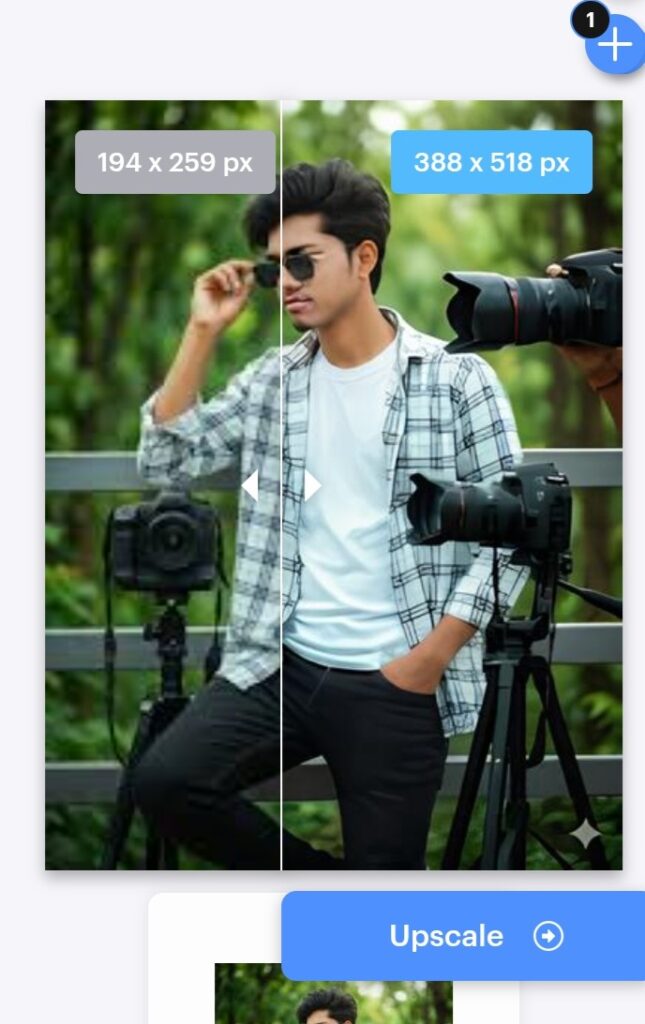
How Does Magic Eraser Work?
The app works in a very simple way.
You just upload your photo and select the object you want to remove. After that, the AI system understands the background and removes the selected part. Then it fills the empty space with matching colors and textures so that it looks natural.
You do not need to be an expert. Everything works automatically.

Main Features of Magic Eraser
This app has many useful features that make photo editing easy.
1. Object Remover
You can remove any unwanted object like people, text, wires, or marks from your photo.
2. Background Cleaning
It helps to clean messy backgrounds and make your photo look professional.
3. Image Quality Improve
The app also improves photo quality. It can make your image clearer and sharper.
4. Image Expand Feature
If your photo is small or cut from sides, this feature can expand the image and fill missing areas.
5. Easy to Use Interface
The app is simple. Anyone can use it without learning editing skills.

How to Use Magic Eraser App (Step by Step)
Using this app is very easy. Just follow these simple steps:
First, download the app from Play Store or App Store.
Then open the app and select your photo from gallery.
Now choose the “Erase” or “Remove” tool.
Use your finger to mark the object you want to remove.
After that, click on process button.
Within a few seconds, the object will be removed automatically.
Finally, save your edited photo.
Practical Uses in Daily Life
This app is not only for fun. It is useful in many real situations.
Social Media Photos : You can make clean and attractive photos for Instagram or WhatsApp.
Travel Photos : Remove strangers or unwanted objects from your travel pictures.
Business Use : People who sell products online can create clean product images.
Personal Memories :You can fix old photos and make your memories look better.
Benefits of Using Magic Eraser
There are many advantages of this app:
- Saves time in editing
- No professional skill needed
- Makes photos look clean and attractive
- Works fast with AI
- Useful for both personal and professional use
In 2026, many people use this type of AI tool daily.
Some Disadvantages You Should Know
Even though the app is useful, it has some limits.
- Sometimes results are not perfect
- Complex background may look slightly edited
- Some features may require premium version
- Needs internet for best performance
So always check the final image before using it.
Why Magic Eraser is Popular in 2026?
In 2026, AI tools are growing very fast. People want quick and easy solutions. This app gives fast editing without using heavy software like Photoshop.
Also, most users prefer mobile editing, and this app works perfectly on smartphones.
That is why it is becoming very popular among students, creators, and normal users.
Tips to Get Better Results
If you want best results, follow these simple tips:
Try to select object carefully
Use high-quality image
Do not remove too large area at once
Edit step by step for better output
These small tips can improve your editing quality.
Final Words
Magic Eraser is a very useful app for photo editing in 2026. It helps you remove unwanted objects, improve quality, and create clean images in just a few seconds.
If you love taking photos or posting on social media, this app can save your time and make your photos look much better.
It is simple, fast, and very helpful for everyday use.