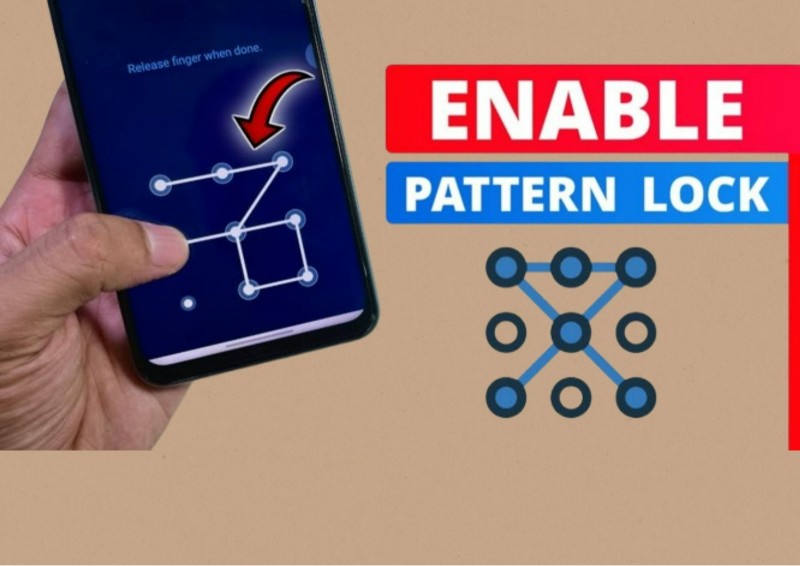
Our smartphones contain a lot of private information such as photos, WhatsApp chats, messages, documents, social media accounts and payment apps. When we give our unlocked phone to someone, they may easily open these apps and see our personal information.
Perfect AppLock (App Protector) is an app that can add an extra layer of privacy by allowing you to lock individual apps with a PIN, pattern or other available security methods.
What Is Perfect AppLock?
Perfect AppLock is an Android app designed to protect selected applications. Instead of locking the whole phone again, you can choose only the apps that contain private information.
For example, you can lock WhatsApp, Gallery, Messages, File Manager, email or other personal apps. When someone tries to open a protected app, they need to enter the lock that you have set.
This can be useful when family members, friends or children sometimes use your phone.
Why Should You Use an App Lock?
The normal phone screen lock protects your device when it is locked. But once you unlock your phone and give it to someone, that person can normally access other applications.
For example, you may give your phone to a friend to make a call or show a photo. An app lock can provide another security step and help stop them from opening your private apps.
It is especially useful for protecting personal conversations, private photos, documents and other sensitive information.
Key Features of Perfect AppLock
Perfect AppLock mainly focuses on adding protection to individual apps.
Some useful features include:
- Individual app protection: Choose which apps you want to lock.
- PIN or pattern protection: Use an additional lock for protected apps.
- Privacy protection: Help keep personal photos, messages and files away from casual access.
- Selective locking: You don’t need to lock every app on your phone.
- Simple setup: After setting up the lock, protected apps require authentication before opening.
The exact options can depend on the app version and your Android phone.
Which Apps Should You Lock?
You don’t need to put a lock on every application. It is better to focus on apps that contain your personal information.
For example, you may want to protect:
WhatsApp or other messaging apps, Gallery, Messages, File Manager, email, Notes and payment-related apps.
For banking and payment applications, always use the security options provided by the bank or payment service as well. Don’t depend only on a third-party app locker.
Pros & Cons
Pros
- Easy way to add extra privacy to selected apps.
- Useful for protecting personal chats and photos.
- You can choose which applications to lock.
- Helpful when you share your unlocked phone with others.
- Provides an additional security layer without changing the main phone lock.
Cons
- Some features may require paid options.
- It may require special Android permissions to work properly.
- Third-party app locks are not a complete security solution.
- Some Android phones already include their own built-in app lock.
How to Use Perfect AppLock
First, install and open Perfect AppLock on your Android phone. During the setup, create your PIN, pattern or another available security method. After that, select the applications you want to protect. Start with the most important apps instead of locking everything.
Once the apps are protected, try opening one yourself. The app should ask for your selected security method before allowing access. It is also a good idea to test the protection after restarting your phone and make sure you remember the PIN or pattern.
Is Perfect AppLock Safe?
Before using any third-party privacy application, you should check its permissions, developer information, reviews and privacy details. Don’t give an app permissions that you don’t understand or need.
Also remember that no third-party app locker can guarantee complete protection in every situation. Your phone’s built-in security is still very important.
For better protection, use a strong phone PIN or password, fingerprint/biometric security where appropriate, regular Android updates and the security features of individual apps.
App Lock vs Phone Lock
A phone lock and an app lock have different purposes.
A phone lock protects the complete device when the screen is locked. An app lock provides another layer of protection for selected apps after the phone has already been unlocked.
For example, if you unlock your phone and give it to someone to make a call, an app lock can help prevent that person from opening your private Gallery or WhatsApp. Using both can provide better everyday privacy.
Is Perfect AppLock Worth Using?
Perfect AppLock can be useful if you want an extra layer of privacy for certain Android apps, especially when you regularly share your unlocked phone with other people.
However, before installing it, check whether your phone already has a built-in App Lock feature. Many Android phones provide their own app protection, which may be a simpler option because you don’t need to install another app.
The Final Words
Perfect AppLock is a simple privacy tool that can help protect selected Android apps from unwanted access. It can be useful for keeping personal chats, photos, files and other private information away from people who temporarily use your unlocked phone.
However, it should be treated as an extra privacy layer, not your main phone security. Always keep your phone protected with a strong screen lock and use the security features available inside important apps.





1 thought on “How to Protect Your Phone Privacy with Perfect AppLock Pattern lock, Pin lock, Face lock”