Have you ever seen movies like My Neighbor Totoro or Spirited Away? These movies are made by Studio Ghibli in Japan. The drawing style of these movies is very soft, dreamy, and beautiful. Many people love this Ghibli style because it looks like a fantasy world.
Now, the good news is—you can turn your own photo into a Ghibli-style image! Yes, it is possible and very easy. You don’t need to be an artist. You just need a tool like ChatGPT.
Let’s learn how to do it step-by-step.
What is Ghibli Style?
Ghibli Style is a cartoon style from Studio Ghibli movies. It has:
- Soft colors
- Big cute eyes
- Detailed nature and background
- Calm, warm feeling
It looks like a beautiful dream world. People love to see themselves in this art style.
What is ChatGPT?
ChatGPT is an AI made by OpenAI. It can talk with you, write things, and even create images (if you have the right plan). With the Free, Plus or Pro plan, you can upload a photo and say:
“Turn this into Ghibli style.”And it will make your photo look like it is from a Studio Ghibli movie.
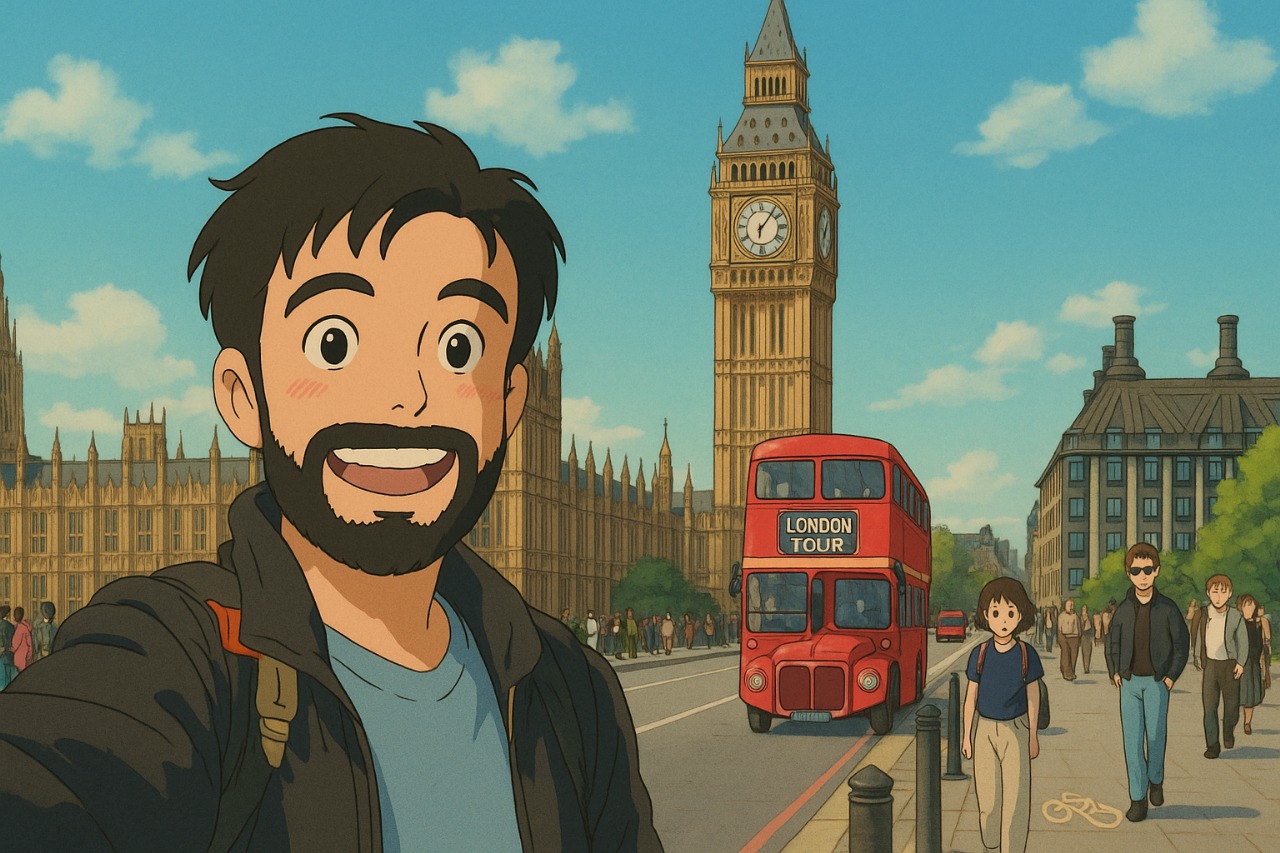
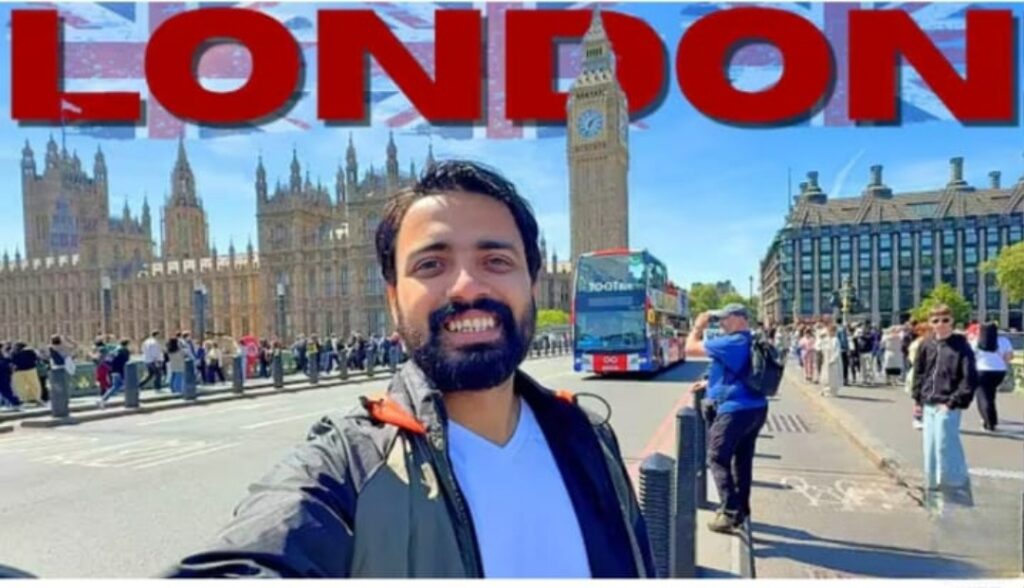
Example: >>>
Original image 👇
Studio ghibli image 👇
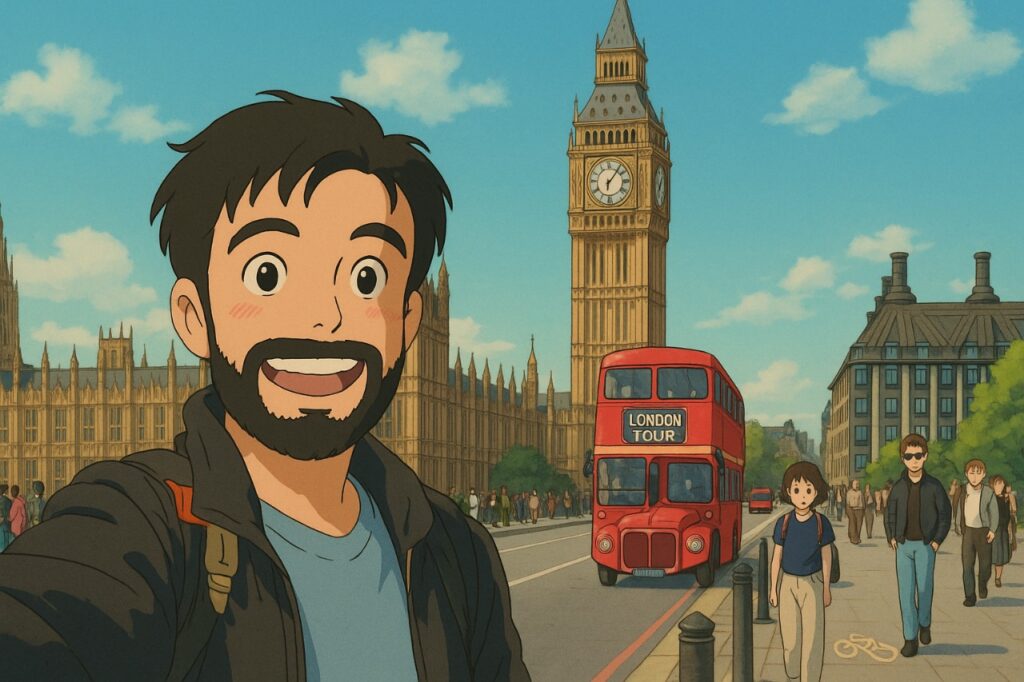
How to Make Ghibli Image with ChatGPT
Step 1: Prepare Your Photo
Take a clear photo of yourself. You can also use a travel photo or a street view. Make sure your face is visible.
Step 2: Open ChatGPT
Go to chatgpt.com
Step 3: Upload the Photo
Upload the photo and write something like:
“Please turn this photo into a Studio Ghibli-style image.”Step 4: Wait a Few Seconds
ChatGPT will create a new Ghibli-style version of your image. It looks like anime or cartoon but very magical.
Step 5: Download It
Click the image and download it. You can use it on WhatsApp, Instagram, YouTube, or anywhere.
Extra Tips
- Use daylight photos (natural light is best)
- Smile or use a natural pose
- Travel photos with background (like a city or nature) look very good
- Try different photos and commands like:
- “Add trees like Totoro movie”
- “Make background like Spirited Away”
Can I Use Mobile?
Yes! You can do everything from your phone browser. Just open ChatGPT, upload the image, and follow the steps. No need for laptop or PC.
Other Free Tools (If No ChatGPT Plus)
If you don’t have ChatGPT Plus, you can also try other tools:
| Tool Name | What it does |
|---|---|
| Fotor AI | Creates cartoon-style images |
| Artbreeder | Mix photos into anime style |
| Toongineer | Turns photo into cartoon |
Why Use Ghibli Images?
- Profile photo with a cute look
- Use in videos, thumbnails, or reels
- Show off to your friends
- Just for fun and creativity!
Final Thoughts
Now anyone can become part of a Studio Ghibli world—without drawing or editing. Just one photo and a few clicks. Even if your English is not perfect, you can still do it easily using ChatGPT.
So what are you waiting for? Try it and enjoy your magical Ghibli-style avatar!