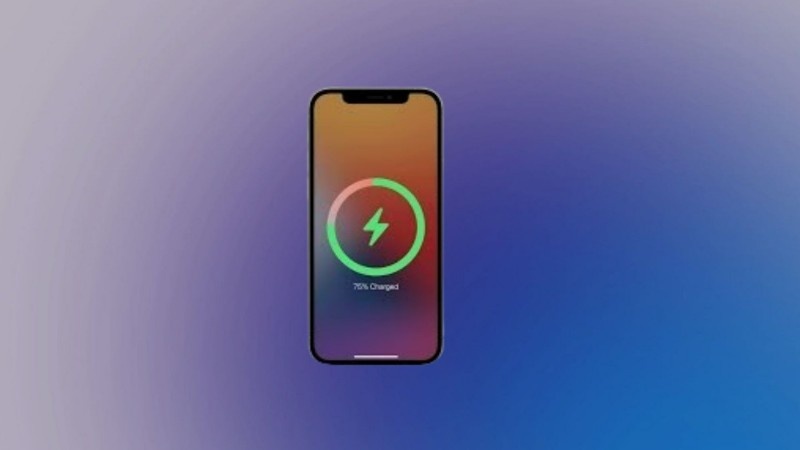
Custom charging animation is becoming very popular among Android users in 2025. Many people want their phone to look different and attractive, and a special animation when the phone starts charging gives a nice, modern feel. It turns a simple action—plugging in your charger—into something fun to watch. In this extended guide, I will explain everything in very easy English, with extra helpful details, so you can set your own charging animation without any confusion.
Why Custom Charging Animation Is Useful and Fun
Many people think charging animation is only for style, but it is also useful in daily life. A beautiful animation makes your phone feel more premium, but it also gives you quick information without unlocking the phone. For example, some apps show the exact battery percentage, remaining time to full charge, charging speed, and temperature. So it is not only for looks. It can also help you understand if your charger is working properly.
In 2025, many users prefer phones with personalization. Custom ringtones, wallpapers, widgets, and now charging animations are part of this trend. Because of this, many apps have come out with hundreds of animation styles—neon, glossy, clean, futuristic, cartoon, and even minimal white themes for simple users.
Which App Should You Use?
There are many apps on the Play Store, and you can choose any safe one. One of the easy-to-use apps is Ultra Charging Animation or any similar app available in your region. These apps usually have very simple menus, so even beginners can use them.
Such apps also provide:
- A large animation preview
- Option to adjust brightness
- Option to show charging sound
- Option to show battery health
- Option to show fast-charging or slow-charging warning
These small details add more value and help you understand your phone’s condition.
Step-by-Step Guide to Set Charging Animation
Here is a simple step-by-step guide written in very easy words:
- First, open the Google Play Store on your Android phone.
- Search for “charging animation app”.
- Select any trusted app that has good reviews and ratings.
- Tap on Install and wait for the download to finish.
- After installation, open the app.
- The app will ask for some permissions. This is normal because the animation needs to appear on top of your lock screen.
- Allow the required permissions like:
- Display over apps
- Ignore battery optimization
- Show on lock screen
- Next, the app will show many animation styles. You can scroll and choose your favorite one.
- Tap Apply, Activate, or Set Animation depending on the app.
- Now plug your charger into your phone and check if the animation appears.
If you follow these steps correctly, the animation will show every time you connect the charger.
Extra Tips to Make Animation Smooth and Problem-Free
Sometimes the animation may not appear because of battery-saving settings on the phone. To fix this, you can follow these tips:
- Keep the app running in the background.
- Turn off battery optimization for that app.
- Make sure you did not block “Display Over Other Apps” permission.
- Restart your phone after setting the animation for the first time.
These small steps will ensure the animation always shows without any issue.
Other Good Apps You Can Try
If you want more choices, here are more apps with different benefits:
1. MegaCharge Animation App
This app provides very bright and bold animations. It is good for people who like strong neon effects or glowing colors. It also gives you detailed battery information like voltage and temperature, which is helpful if your phone gets hot.
2. Battery Glow Animation App
This app is good for users who want a clean and simple look. It has soft and smooth animations that look premium. Many users prefer this app because it does not drain battery too much and looks very elegant.
3. PowerFlash Charging Effect App
This one gives you many themes like LED-style lights, neon borders, 3D effects, and even photo-based charging screens. You can also set animation speed, brightness, and extra effects.
Each of these apps works differently, so you can try 2–3 apps and keep the one you like the most.
Does It Drain the Battery?
Many users worry if charging animation will reduce battery life. Normally, if you use a lightweight and trusted app, battery usage is very small. It only appears when you plug in the charger, so it does not run all the time. Still, heavy animations with strong colors may use a little more battery, but nothing serious.
If you want less battery usage, choose a simple white or minimal-style animation.
Is It Safe?
Yes, these apps are generally safe if you download them from Google Play Store. Do not download from unknown websites. Charging animation apps only need display-related permissions, not personal data permissions. So it is safe for most users.
The Final Thoughts
Custom charging animation is a small feature, but it adds a lot of charm to your phone. It makes daily charging feel enjoyable instead of boring. You can choose from many styles and change them anytime you want. With the simple steps mentioned above, anyone—even a beginner—can set a beautiful charging animation on their Android phone.