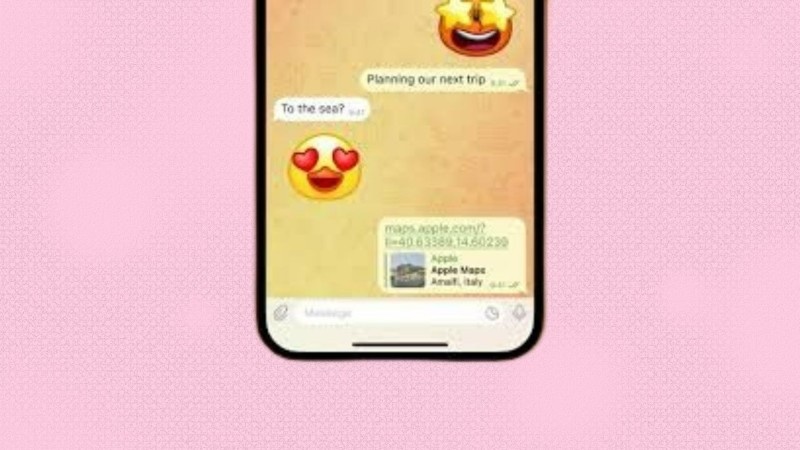
Telegram is now one of the most popular messaging apps in India and worldwide. Many people love Telegram because it gives more freedom than other apps. One special feature is Custom Emojis. With this feature, you can create your own emojis and use them in chats, groups, and channels. Your emojis can show your real mood, style, and personality.
In this article, I will explain everything in simple easy English so anyone can understand. You will learn:
- What are custom emojis in Telegram
- Why you should make them
- Step-by-step full process to create and upload
- Tips to design better emojis
- How they help in content creation and business use
- Extra tricks to make emojis popular
What Are Custom Emojis in Telegram?
Custom Emojis are emojis created by users. They do not come from the phone’s keyboard. You can design your own emoji image, upload it to Telegram, and use it in any chat. You can make cute, funny, emotional, cartoon, meme-style, or brand emojis.
This feature is available on Android, iPhone, Windows, Mac, and Web Telegram.
Why Create Your Own Custom Emojis?
There are many reasons why custom emojis are becoming trending and useful:
- More expressive – you can show real feeling more clearly
- Unique personal identity – your friends know it is your style
- Fun in group chats – makes chat more enjoyable
- Useful for creators – YouTubers, Instagram users, gamers, teachers
- Branding use – small business can make logo-style emojis
- Viral content – emoji packs can get popular and shared
Example: If you have a YouTube channel, you can make emojis of your logo or funny reaction faces. People will share and use them, which increases your popularity.
How to Start Using Telegram Custom Emoji Feature
If you are new to Telegram, follow these simple steps:
- Download Telegram from Play Store or App Store
- Open the app and register using mobile number
- Add profile picture and set a username
- Enable Two-Step Verification for security
- Now you are ready to use emojis and stickers
How to Create Custom Emojis in Telegram (Step-by-Step Guide)
Step 1: Design Your Emoji
To make an emoji, you need an image editing tool. You can use:
- Photoshop
- Canva
- PicsArt
- GIMP
- Procreate (iPad)
Important Rules while making emoji:
- Must be PNG format
- Size should be 512 × 512 pixel
- Transparent background (no white box)
- Make design clean and simple, not too many lines
If you don’t know designing, you can take an image, remove background using remove.bg, then edit colors and add effects in Canva or PicsArt.
Step 2: Upload Emoji to Telegram
Follow these steps:
- Open Telegram and search “Stickers” bot
- Tap Start
- Type /newemoji
- Upload your PNG emoji file
- Add a name for your emoji pack
- Repeat for more emojis
- After finishing, type /publish to make pack public
Telegram will give you a link to share with friends.
Tips to Make Better Custom Emojis
- Use bright colors and clean shapes
- Avoid too much text inside emoji
- Keep expression clear and bold
- Maintain same style in a full pack
- Test how it looks in small size
- Don’t use copyright images directly
Who Can Use Custom Emojis for Growth & Profit?
Custom emojis are helpful for many creators and professionals:
| Category | Benefit |
|---|---|
| YouTubers | Brand emojis increase fan identity |
| Small Business | Use emoji logos for marketing |
| Instagram creators | Share emoji packs for followers |
| Meme pages | Make funny emoji faces and go viral |
| Gaming streamers | Create gaming reaction emojis |
| Teachers / Coaches | Use study reaction emojis |
Some people even sell emoji packs online.
How to Make Your Emoji Pack Popular
- Share emoji link in Telegram groups
- Post on Instagram reels with your emojis
- Share before-after creation editing video
- Give free download to first 100 users
- Make trending meme style emotions
If it becomes viral, thousands of people will use your emojis.
The Final Words
Creating custom emojis in Telegram is very easy and very fun. You can design your own emoji style and show your real personality in chats. It is also helpful for content creators, businesses, and digital marketing. If you love creativity, try making your first emoji today.
Sometimes small creative work can open a big new opportunity.