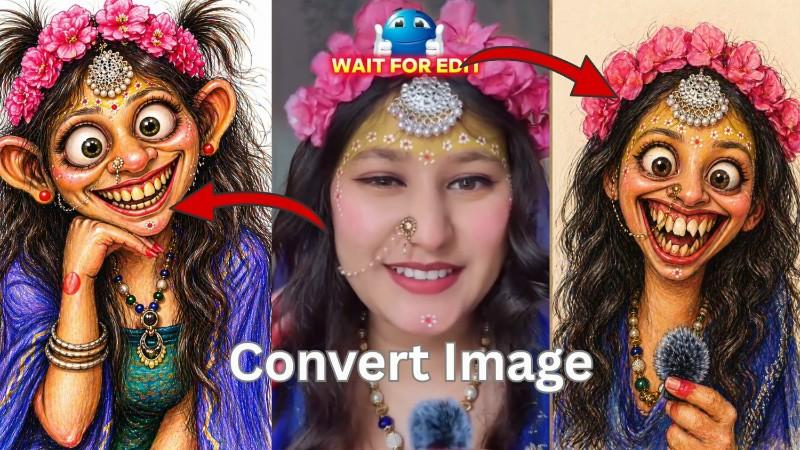
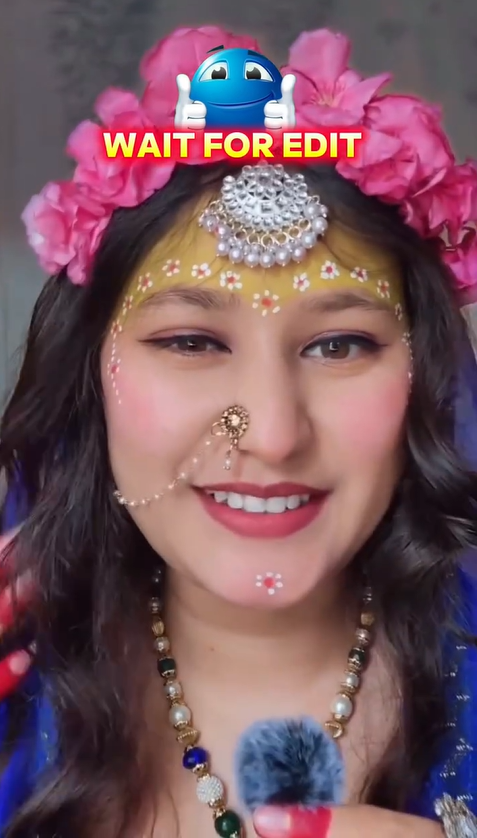
Nowadays many people are creating funny cartoon photos from their normal pictures and posting them on Instagram Reels, WhatsApp Status, Facebook, and YouTube Shorts. You may have also seen those viral videos where someone uploads a normal selfie and after a few seconds the image changes into a funny cartoon face with big eyes, large ears, weird smile, and a cute exaggerated look.
This trend is becoming very popular because it looks funny, creative, and surprising. The best part is that you do not need professional editing skills. With AI tools and image generators, you can convert almost any normal image into a cartoon-style funny image in just a few steps.
What Is a Funny Cartoon Image?
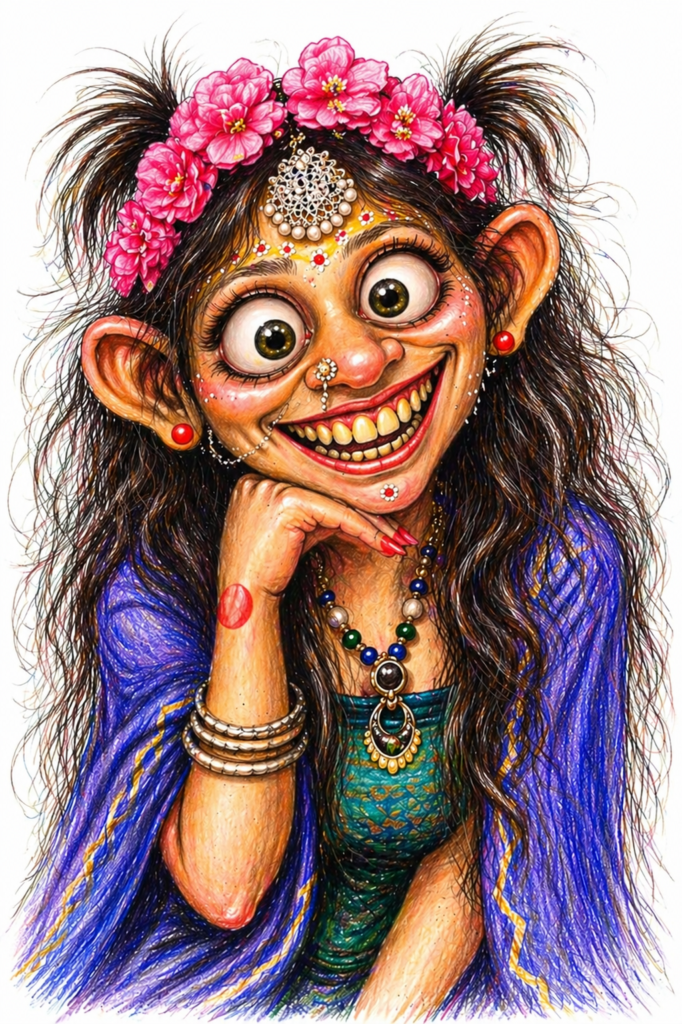
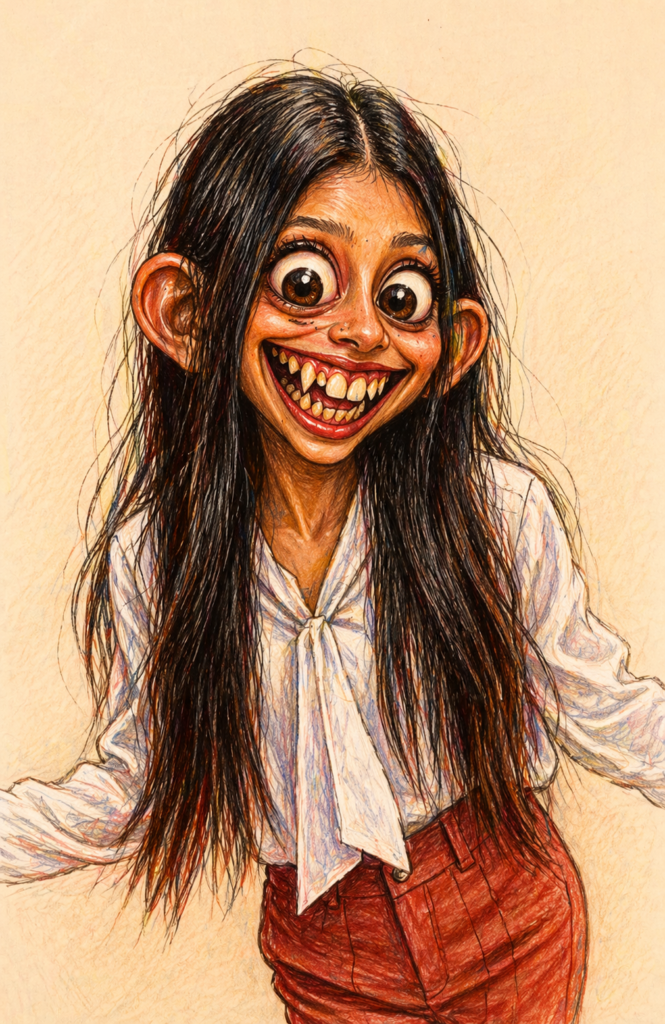
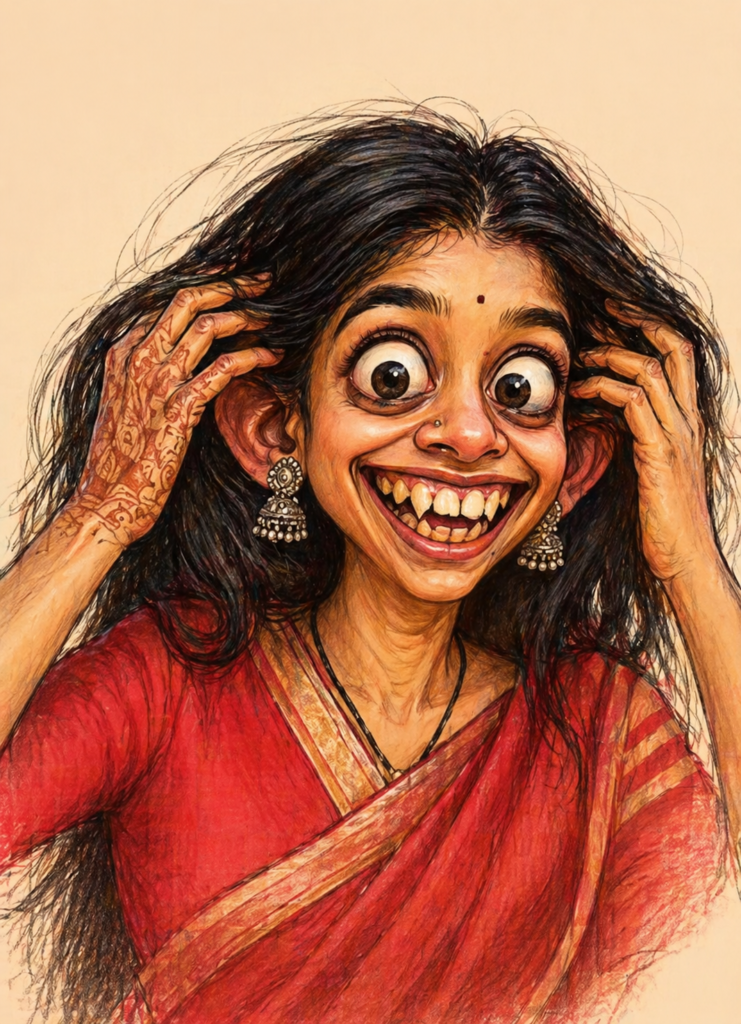
A funny cartoon image is a normal photo that gets transformed into a creative cartoon version. In this type of edit, AI changes facial features and makes them look exaggerated.
For example:
- Bigger eyes
- Funny smile
- Large ears
- Cartoon skin texture
- Pencil sketch effect
- Colorful drawing style
- Cute or weird expressions
Sometimes the result looks funny and cute, and sometimes it looks slightly weird which makes people laugh even more.
Why This Trend Is Going Viral?
People enjoy these edits because they are entertaining. When someone sees their normal face turned into a cartoon character, they often feel surprised.
Many creators are using this trend for:
Instagram reels
YouTube shorts
WhatsApp status
Facebook posts
Funny profile pictures
Meme content
These edits quickly grab attention because viewers want to see the final transformation result.
How To Convert Any Image Into Funny Cartoon Style
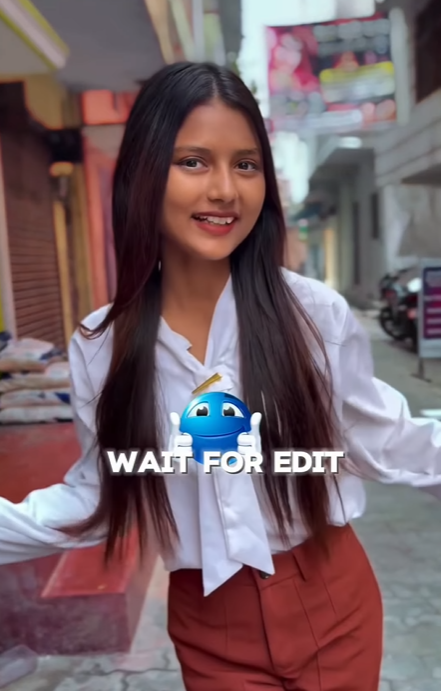
First choose a clear image where your face is visible properly. Front-facing selfies usually give better results.
After selecting your image, upload it to any AI image generator or editing platform that supports image transformation.
Then use a prompt like this:
“Transform this uploaded portrait into a funny exaggerated caricature illustration while keeping the person recognizable. Make the face highly exaggerated with huge round eyes, oversized ears, a goofy wide smile with slightly uneven soft teeth, cute playful expression, and colorful cartoon style.”
After entering the prompt, generate the image and wait for AI to process it.
Within a few seconds or minutes, your cartoon version will be ready.
Best Photos For Better Results
Not every image gives perfect output. These types of photos usually work best:
Clear selfie photos , Good lighting images, Front face images, High-quality portrait shots
Images with visible face details
Avoid: Blur photos, Hidden face photos, Group photos, Dark lighting images
Benefits Of Creating Funny Cartoon Images
One big benefit is entertainment. People enjoy seeing themselves in a totally different cartoon version.
It is also useful for: Making friends laugh, Creating funny memories, Making viral social media content, Using as profile pictures, Sending funny edits in group chats, Creating unique birthday surprises
Many people even use these images just for time pass when they are bored.
Fun With Friends
This trend becomes more fun when you try it with friends.
You can: Convert your friend’s image into funny cartoon style , Share it in WhatsApp groups, Create prank edits, Compare original vs cartoon version, Make reaction reels
It creates a lot of fun during free time.
Social Media Use
These images can help your content stand out online.
Many creators upload:
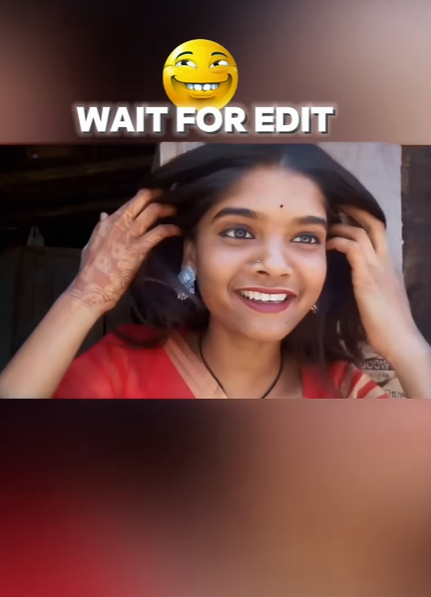
Before and after reels, Funny transformation shorts, Instagram story posts
Facebook memes, YouTube trend videos
People often share these because they look unique and funny.
Is It Free?
Some AI tools give free credits daily while some offer limited free editing features.
You can test multiple tools and choose the one that gives the best cartoon result.
Final Words
Turning normal images into funny cartoon images has become one of the most entertaining AI trends right now. It is simple, fun, and does not require editing knowledge.
You can use it for fun, social media content, making your friends laugh, or simply passing time.
If you have a good selfie and a creative prompt, you can create amazing funny cartoon images within